What market making actually is
A market maker posts buy and sell quotes and tries to capture the spread. When one side fills first, the account holds inventory and is exposed to price movements. A quoted spread is potential gross revenue, not a guaranteed net return.
Fees and adverse price movements can erode that spread. CPM means cost per million dollars traded: net session cost divided by executed turnover, multiplied by 1,000,000. Lower CPM means lower normalized cost, not necessarily a profitable or safer session. Check dollar P&L, open exposure and the measurement window alongside it.
Fees are one component of CPM, not a mathematical floor: realised gains can offset them and losses can increase total cost. Use the same turnover convention, time window and fee scope when comparing runs. See how CPM is calculated and current product and venue costs.
Gold and the S&P 500
Argent supports these two markets. Before quoting, compare your proposed order with current depth on both sides of the book. Depth changes throughout the session: a size that was small yesterday can be large relative to today's available liquidity.
- Gold (XAU)
Check the venue's current contract, trading availability, spread and depth. A commodity-linked perpetual is not ownership of physical gold.
- S&P 500 (US500)
Check the index-linked contract and liquidity, including when the underlying market is closed. Few fills can reflect a thin book, but do not by themselves prove that connectivity and order handling are healthy.
Market availability is a product constraint, not evidence that these markets always have the lowest execution cost. Check the choices in your current strategy settings.
Connect Ondo and review permissions
Open the connect page and pick Ondo. Review the account and permissions before authorizing trading access. The illustrated wallet flow creates a trading key without manual copying. Do not grant withdrawal permissions or share a seed phrase. Trading access can still place real orders and lose money.
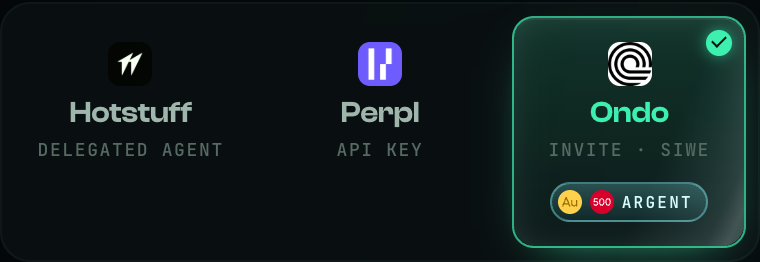
Ondo carries the Argent badge with both market icons: gold and the S&P 500.
The documented release used invitation-based access. Check the current connection requirements before funding an account. If an invitation is required, the existing referral link uses code 867C4M. An invite does not guarantee eligibility or returns. See the Ondo account guide (English) for the illustrated flow.
Check that Argent is selected
Go to Settings → Strategy and confirm Argent. The screenshot shows it first in the release interface; an existing account can retain a different selection. Finish and verify cleanup of any previous session before switching modes.
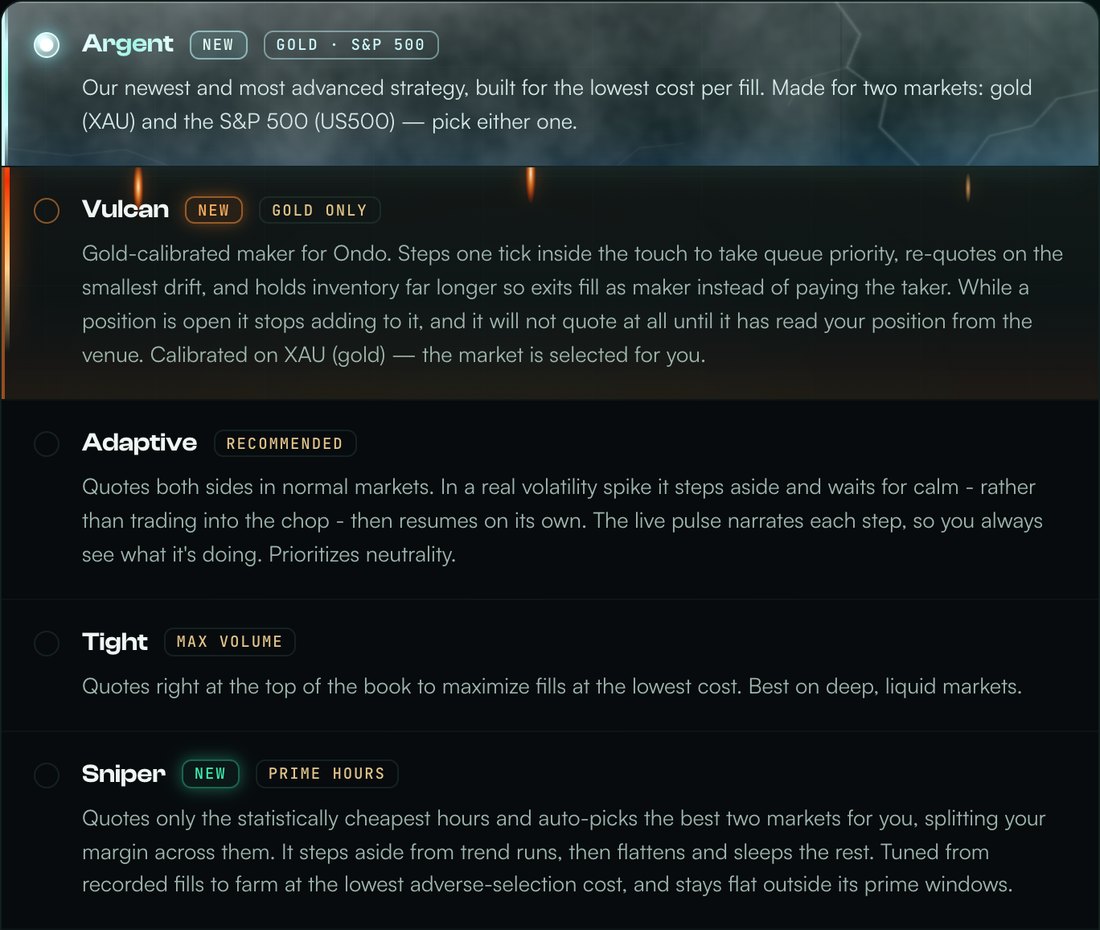
The release strategy list with Argent selected.
Gold or the S&P 500
Select XAU or US500 from the Argent market list. To change markets later, Stop first, verify no remaining position or open orders on the venue, and check the completed session in History before selecting the next market and starting a new run.
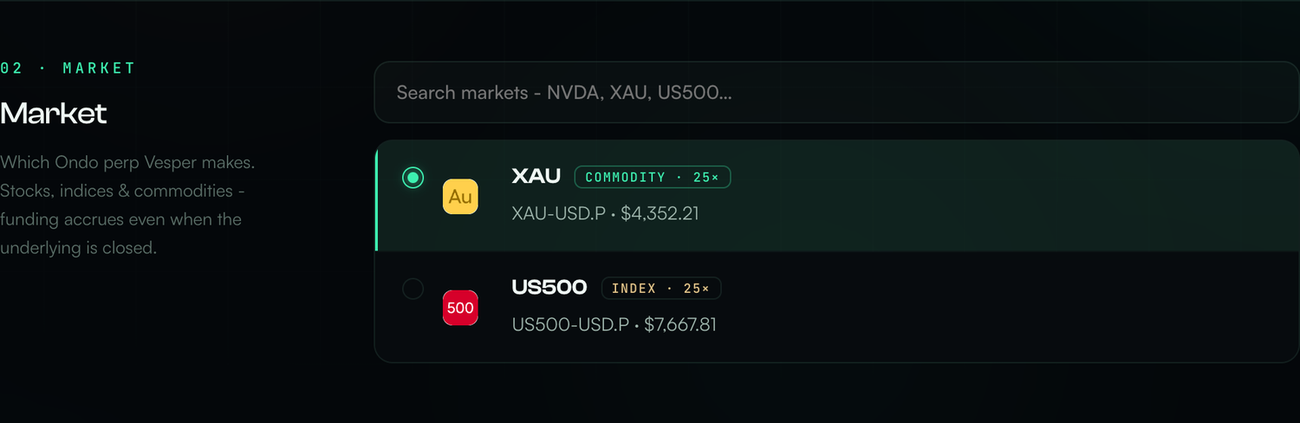
The two market choices in the release UI. Screenshot prices are not live quotes.
How much it puts to work
Review collateral, leverage, the displayed order size and inventory ceiling before pressing Start and completing the requested authorization. Leverage increases exposure relative to margin and can increase liquidation risk.
Use the limits shown in your current account. Release examples are not a promise that the same sizing formula applies today, and an order cap is not a maximum-loss guarantee. Do not increase leverage just to bypass an order-size limit.
Startup can include a book-history warmup before new quotes appear. Read the phase and check that data is fresh. Persistent inactivity, authorization errors or missing protection require investigation; do not assume every idle session is merely warming up.
Running: the badge names the mode and what it is doing right now.
What the dashboard tells you
The Pulse card explains the reported phase. Making markets describes two-sided quoting; Working off inventory describes reducing exposure; Holding for calm describes a guard delaying new entries. A phase label is not independent proof of current venue orders. Check fresh fills, positions and orders when the display is stale or inconsistent.
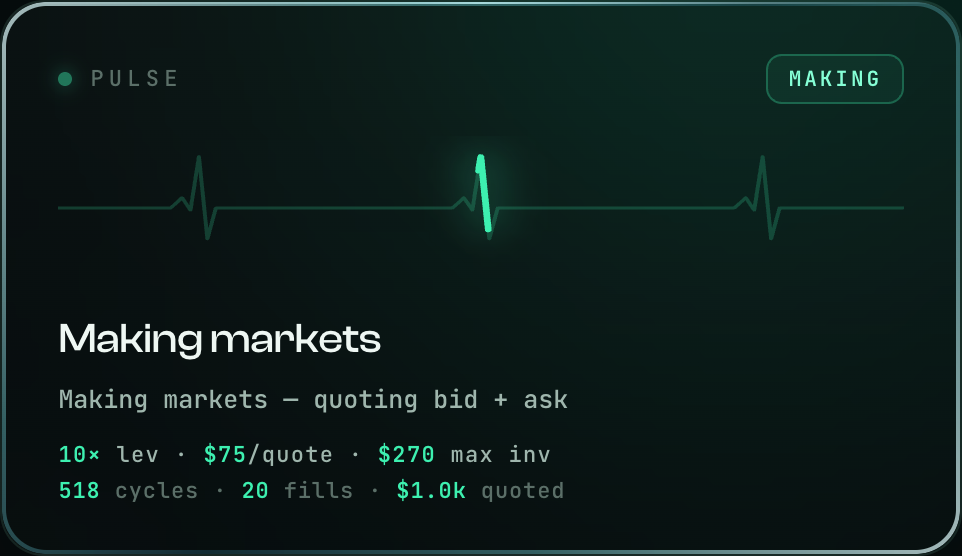
Your settings and the live count of cycles, fills and quoted volume.

Read CPM alongside turnover, fees and realised P&L. Check the card's fee scope and the actual fill record; do not subtract fees or add rebates twice.
CPM can swing sharply with little turnover and is undefined at zero executed volume. No fixed dollar volume guarantees a stable estimate. Open inventory, funding and the measurement window can affect a live comparison.
Quotes, exits and actual fills
Argent focuses on quote placement and inventory exits. These mechanisms should be evaluated from actual fills over comparable periods, not treated as a promise of lower costs in every market.
- Quote updates
Quotes can be replaced as the book changes. A replacement can lose queue priority or be rejected if the market moves before acceptance.
- Closing quotes
The mode aims to place its closing quote inside the spread when permitted by the book and maker constraints. Acceptance, fills and fees are not guaranteed.
- Exits the exact position
Closing size should track the remaining position. Verify the order's reduce-only protection and the final filled quantity.
- Result
Compare session turnover, fees and realised P&L together. A valid comparison needs a stated time window, comparable settings and enough completed trades.
What changes when order size grows
Larger orders can increase both turnover and execution cost. Book depth, queue position and inventory matter alongside margin. Use these checks before comparing two sizes.
| Check | Smaller orders | Larger orders |
|---|---|---|
| Book depth | Check minimum size and queue | Check available size near the quote |
| Inventory | Lower notional per fill | More exposure after one-sided fills |
| Exits | Still subject to delays | May need more liquidity to close |
| Cost comparison | Same window, fee tier and turnover convention | |
Historical simulations do not establish a safe live size or predict current CPM. Review inventory and exit controls before changing exposure.
Stop and verify cleanup
The documented Argent release had no automatic drawdown stop or run timer. Do not assume a hidden loss threshold will end a session. Check the current mode's controls before Start.
A market maker can retain inventory while its unrealised result changes. A temporary loss may grow rather than recover. Closing the browser or disconnecting the wallet does not replace the server-side Stop workflow.
- Limits are not insurance
Inventory limits and volatility guards constrain specific activity. They do not cap every loss or ensure an immediate exit during gaps, low liquidity or an outage.
- Verify the end state
Use Pause / Stop and complete any requested authorization. Wait for Stopped, then independently check the venue for zero position and no open orders and review History. Cleanup may use a taker fill and realise a loss. If it fails or stays unknown, do not start another session; inspect the venue and contact support. Revoking a key does not itself cancel existing orders or close a position.
What Argent cannot do
Remove account risk. Use trading-only permissions and verify the venue's current authorization details. A key that cannot withdraw can still submit losing trades. Never disclose it to support or paste a seed phrase into a website.
Promise a return. Spread capture and any applicable rebates can be outweighed by fees, adverse fills and inventory losses. Turnover is not income.
Trade other markets. Gold and the S&P 500 only. For anything else the cabinet offers the general-purpose modes.
Argent and Cypher: reading inventory and exits
Other Vesper guides
All guides · How market making works · About Vesper · Ask the community · Discord