The future of trading starts now.
Markets never stand still. Neither does ATMOS. It watches, learns and adapts every second, so you don't have to.
ATMOS is the first engine for Entropy and the most advanced model we have ever built. It was trained on millions of trades, orders and trader moves, and it brings that experience to every decision it makes for you. Months of development and testing on large volumes of live market data went into it before it reached a single user.
The whole market at once
The order book, the flow of trades, the leading venues and the big players. ATMOS takes it all in, every second.
Its own place in the book
ATMOS picks where to stand in the order book on its own, with no manual tuning on your side.
When to act and when to wait
It knows when the market is generous and when a price hides a trap, and it acts accordingly.
One step ahead of sharp moves
ATMOS spots a sharp move before it reaches your order and steps aside.
Changes with the market
Calm or stormy, quiet or busy. ATMOS adjusts itself to whatever the market is doing right now.
Built to lower your cost
Every part of ATMOS exists for one goal: to make each trade cost you less than you are used to.
Put USDC in the Entropy pocket
Entropy uses separate Hyperliquid balances: Spot, Perps and the Entropy pocket. ATMOS trades only from the Entropy pocket, and money does not get there on its own. Until it does, Vesper shows a balance of $0.00 and places no orders.
- 1. Perps → Spot
On Hyperliquid, open Portfolio → Transfer and move your USDC from Perps to Spot.
- 2. Open the market once
Open the Anthropic (IO) market on the Trade page. After that, the Entropy pocket appears in the transfer list.
- 3. Spot → Entropy
Back in Transfer, pick the route Spot <> Perps (IO) and send the USDC. It lands in the Entropy pocket.
A wallet that has never deposited to Hyperliquid needs an initial deposit to activate. Want to support the project? Open Entropy through entropy.io/?r=vesper or add the code vesper under Referrals. It is optional and adds no fee.
One signature, nothing to copy
Open the connect page, pick Entropy and press Connect wallet. MetaMask, Rabby and OKX all work. You sign one ApproveAgent message and Vesper creates a trading key for you. The key can place and cancel orders. It cannot move or withdraw your funds.
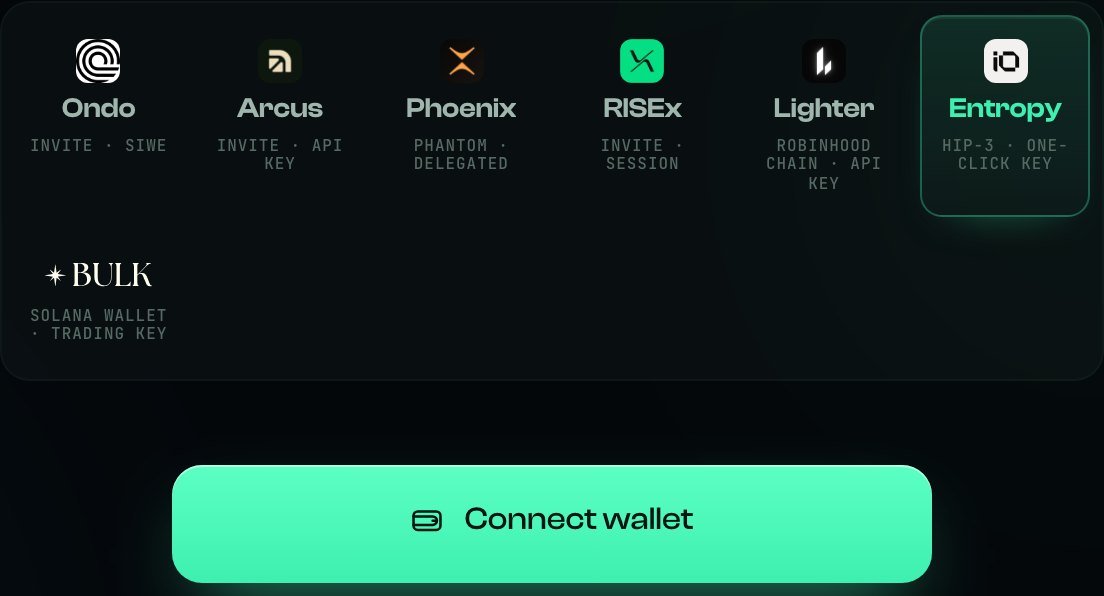
Entropy is the tile at the end of the first row.
If the venue refuses the connection, read its exact error and check the approved agents on Hyperliquid. Agents can expire. Do not revoke a key that another active session is using.
ATMOS, at the top of the list
From the dashboard, open Strategy & settings. In the Strategy section, choose ATMOS. It is marked Recommended and trades ANTH and SNDK.
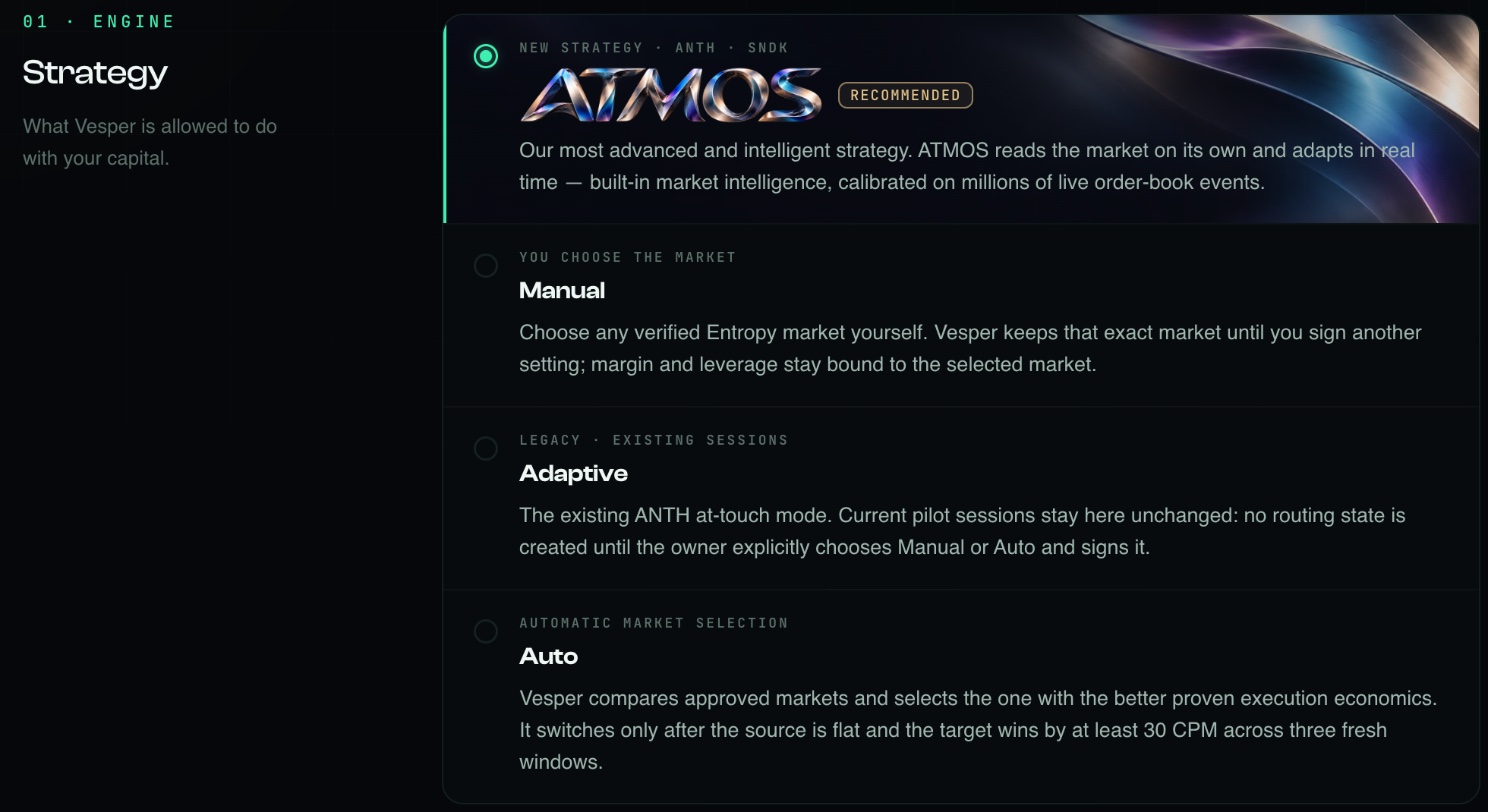
ATMOS is selected. The other options are older Entropy modes.

The summary bar confirms your choice. Then press Save settings.
If an Entropy session is already running under another mode, press Stop first and make sure no position or open orders remain. Then switch to ATMOS.
How much ATMOS puts to work
Set two things: margin, the dollars behind each order, and leverage, from 1× to 6×. Under the slider the dashboard shows your Entropy balance and the exact margin per order before you commit.
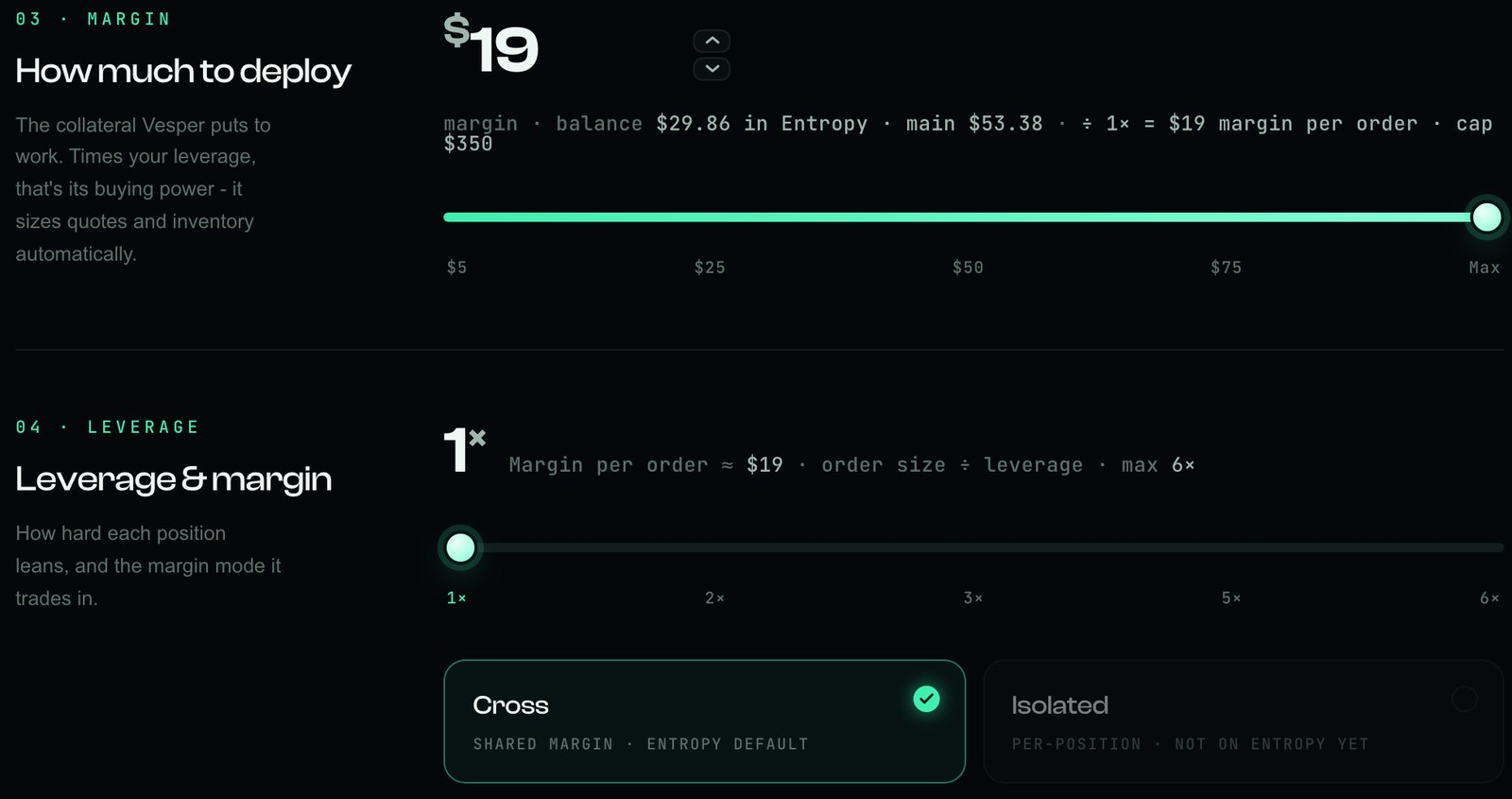
Margin and leverage. Cross margin is the Entropy default.
The smallest order is about $12 (margin × leverage); the venue refuses smaller orders. Keep margin within your Entropy balance. Even at 1×, trading can lose money, so choose an amount whose loss you can accept.
Press Start ATMOS
Press Start ATMOS and approve the fee once in your wallet. From there ATMOS runs on our servers. You can close the tab and the session keeps going.

Fees, realised result and position on the left; Start ATMOS and settings on the right.
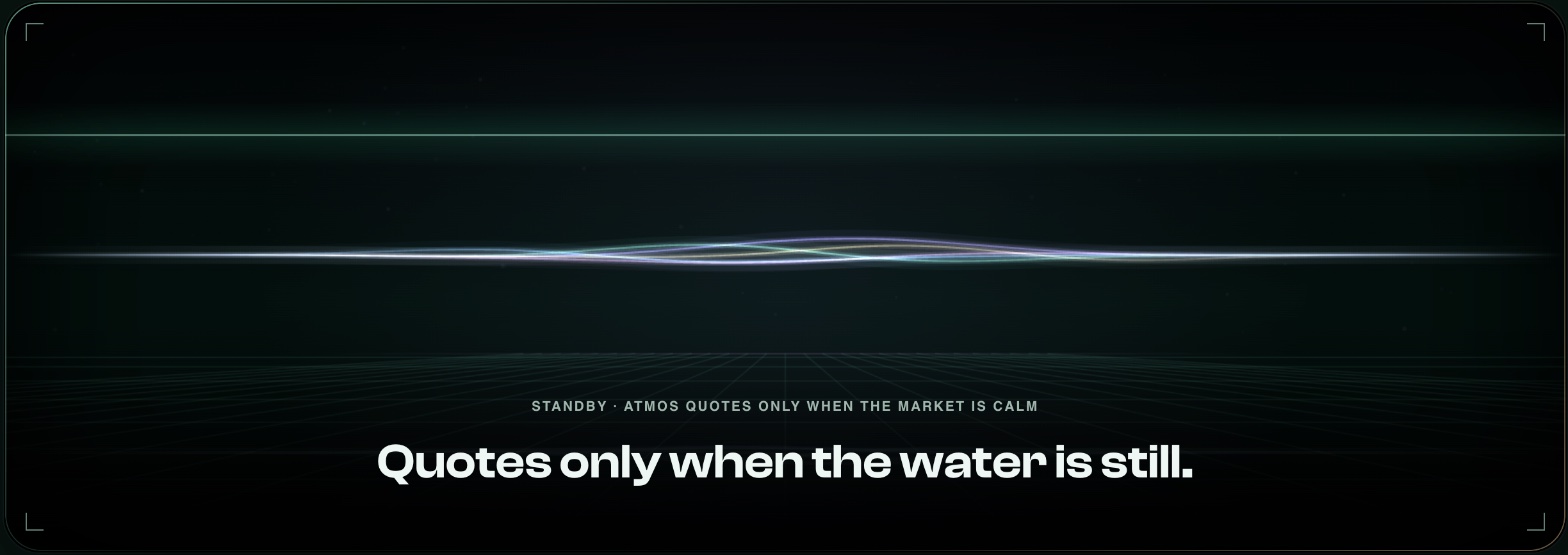
ATMOS picks its moments. When it is waiting, the dashboard says so.
- Volume
What this session has traded so far.
- CPM
What every $1M of volume costs you, fees included. Lower is better. It settles once the session has some volume.
- Activity and fills
A plain-language log of what ATMOS did, and every fill with side, size and price.
Before signing, review what the wallet asks you to authorize. If Start asks you to reconnect, read the reason first: a key may have expired.
Stop, and check before you leave
Press Stop ATMOS in the dashboard and approve it in your wallet. Wait for the final state, then check your Entropy account: the position should be zero and there should be no open orders. A click or a closed tab is not proof that cleanup has finished.
Stop cancels orders and closes the position. An exit can realise a loss and pay fees. Closing the tab or disconnecting your wallet is not Stop. If the dashboard stops updating, check the venue directly and contact support.
Before you start
- Why is ATMOS not trading right now?
- ATMOS chooses its moments. When the market does not offer a good opportunity, it waits, and waiting is part of how it keeps your costs low. The dashboard always shows that it is waiting. If nothing updates at all, check your connection and any error messages.
- Which markets does ATMOS trade?
- ANTH and SNDK on Entropy. For any other verified Entropy market, use Manual in the same list.
- My balance shows $0.00.
- Your USDC is probably still in Spot or Perps. Follow step 01: open the Anthropic (IO) market, then use the Spot <> Perps (IO) route.
- Do I need to tune anything?
- No. Choose your margin and leverage. ATMOS adapts to the market on its own.
- Can ATMOS withdraw my funds?
- No. The trading key has no withdrawal permission. It can place real orders, and real orders can lose money.
What ATMOS cannot do
Trade every minute. ATMOS waits when the market is not worth trading. If you want volume above everything else, this is not the mode for you.
Promise a return. Fees and price moves can outweigh what a session earns. Some sessions end down.
Move your funds. The trading key has no way to withdraw.

The future of trading on Entropy is already running. Connect your wallet and start your first ATMOS session.
Другие руководства Vesper
Все руководства · Как работает маркетмейкинг · О Vesper · Задать вопрос сообществу · Discord